Showing posts with label digital collage. Show all posts

Monday, December 19, 2011

Christmas Digital Art

Just these, and then I'll quit. Really. Well, I do have another one sort of designed in my head, but I also have a million other things do to get ready for Christmas.


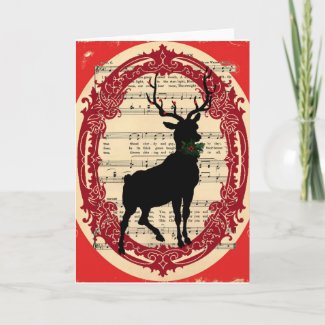
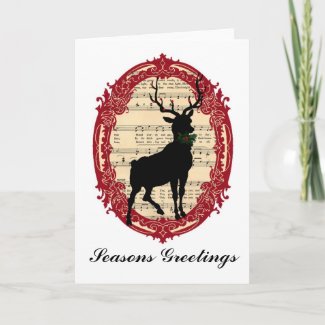
Fellow followers of the Graphics Fairy blog will probably recognize some of these vintage images that I have combined and manipulated for the deer art I made this morning.


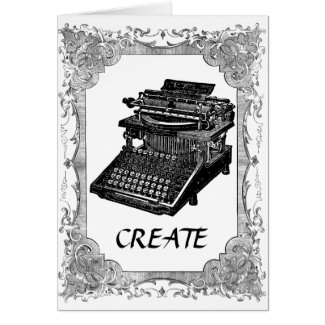
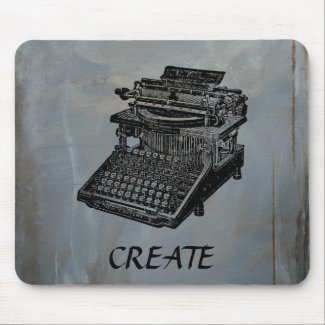
I also put together this vintage typewriter "CREATE" card and mousepad since my last post. I really have a thing for old manual typewriters.


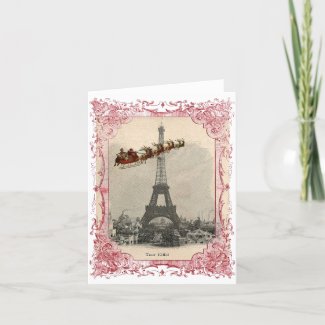
The most popular holiday image by far has been this "Santa over Paris" Eiffel Tower picture—on cards, ceramic ornaments and as a print.


Tuesday, December 6, 2011

Digital Art and More Image Magic

I have continued working with GIMP, my image manipulation program, the last few weeks.

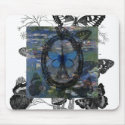
Paris Butterflies Digital Collage by Anita Barnard

This little Paris Butterfly collage was my most ambitious to date, if only because it had more layers than I had used before in a piece and some fidgety placement and sizing and levels of differing transparency that I had to figure out. I am still playing with how to get to the right place for what are probably some pretty basic commands, and making this digital collage was definitely a learning experience for me. And satisfying in that I am happy with how it turned out.

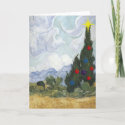
Starry Christmas Night


I had an idea of Santa's sleigh flying through Vincent van Gogh's Starry Night sky. After I found the vintage image of Santa and his sleigh that I wanted, I spent about 200 years clearing out all the background from in between the sleigh runners and all the little reindeer antlers...with a tiny erase brush and the image at 400% most of the time. (Okay, maybe not quite that long, but my hand was stiff and cramping a bit before I was done. There's probably an easier way of removing a background from an image that isn't all white or just one color, and I'd love some guidance if anyone can tell me what that method is). I am a big van Gogh fan, and I liked how this looks.


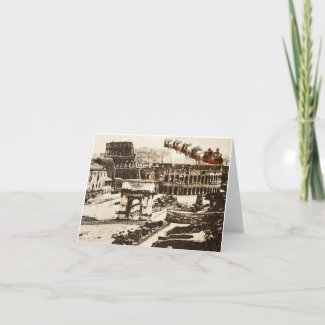
Having done all the work clening up the Santa image, I then found some great vintage postcards of Paris and Rome over at The Graphics Fairy blog, and had fun positioning Santa to fly past the Eiffel Tower and over the Coliseum.

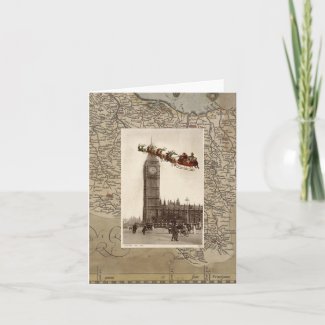
Many of my new images - and variations, as well as images of my hand cut physical collages and art have been put on some things like cards, mugs and shirts over on Zazzle. Here are some examples.


Friday, October 14, 2011

Shakespeare and Me, My First Digital Collage!

Yesterday I created my first digital collage. It was fun, challenging and above all (at least at times) frustrating. And I am eager to discover that perfect image that will click with a new idea and get back at it today.

I am still very much in learning mode with my imaging program, and also in a love-hate relationship with it. I have used GIMP for quite a while now, and use it fairly frequently to do minor editing and mostly things like straightening up, cropping and adjusting file sizes on pictures of my art and jewelry. Making a collage takes a lot more skill, knowledge, and in my case, trial and error. Some of those functions just don't really explain what they do, and more importantly I usually had to hunt and guess to find the hidden button or function to do what I wanted. The undo function was well used. "Undo" good.

The theme of my collage was William Shakespeare and The Globe theater. I was immediately drawn to one particular image of Shakespeare, which rather resembles my own Edward. Besides Will and a 17th century rendition of the Globe, it includes what is believed to be Shakespeare's handwriting, a bit of an old map of Stratford on Avon and his signature.

The past couple of days I have also opened a shop on Zazzle and been experimenting with putting some of my images on products there, so when I completed the collage, I tried it out on a black T-shirt.